
Login Studio Lite is a free WordPress login plugin. Design a branded login page with 4 ready-made templates and a live preview, then protect it with two-factor authentication, login lockouts, reCAPTCHA, Google and GitHub login, and temporary guest links. Replace the default WordPress login screen with a polished, branded experience, and protect every sign-in — […]
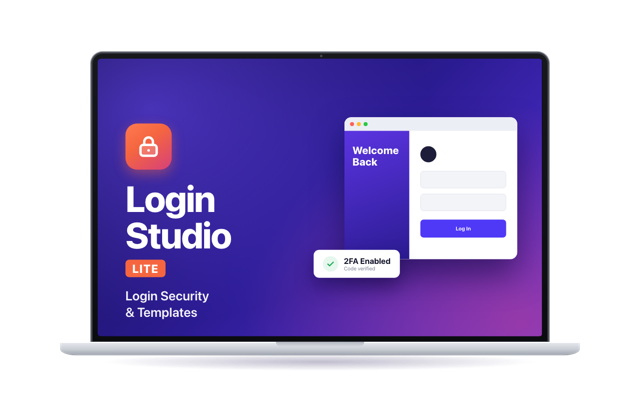
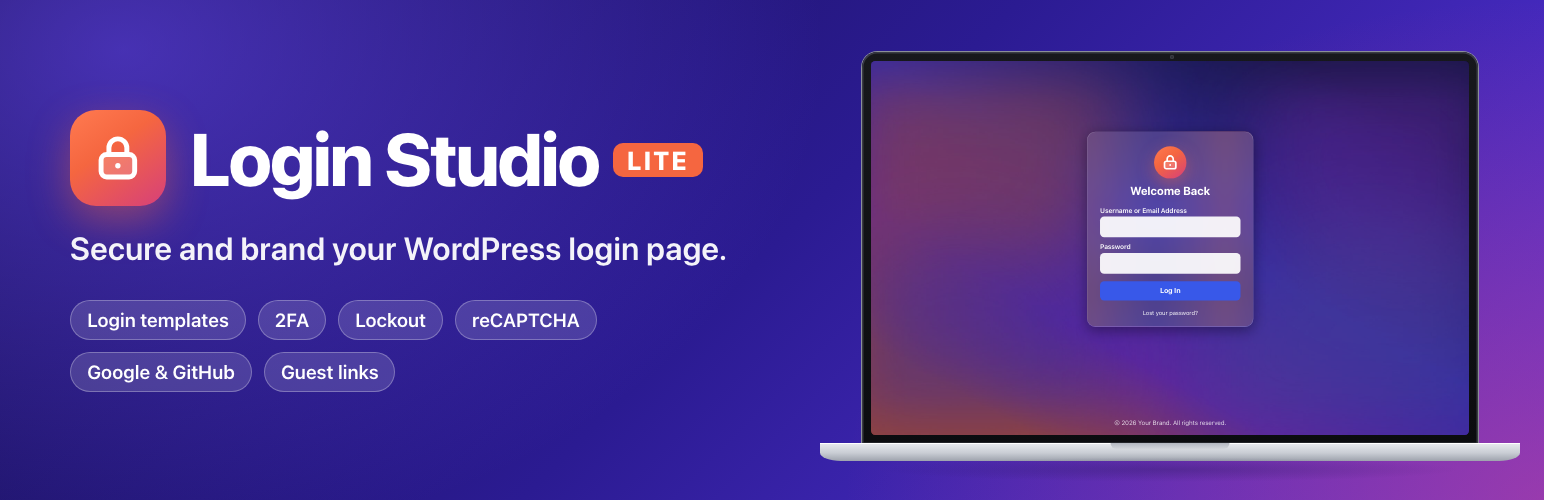
Login Studio Lite is a free WordPress login plugin. Design a branded login page with 4 ready-made templates and a live preview, then protect it with two-factor authentication, login lockouts, reCAPTCHA, Google and GitHub login, and temporary guest links. Replace the default WordPress login screen with a polished, branded experience, and protect every sign-in — no code and no stack of separate plugins.
Login Studio Lite is a free, all-in-one WordPress login plugin. Pick a login page template, add your logo and colors, then switch on the security you need: two-factor authentication, login lockout, reCAPTCHA and social login.
Most sites use one plugin to restyle the login page, another for two-factor authentication, a third to limit login attempts, and a fourth for social login. Login Studio Lite brings the essentials together in one lightweight plugin, and nothing in it is locked or time-limited.
Beautiful login page templates
Choose from 4 ready-made designs: Default, Glassmorphism, Explore Horizons and Sliding Images. Each ships with background images, a heading and footer text, so it looks finished the moment you activate it. Change the background, logo, colors, fonts and text from the Templates tab.
Live preview as you edit
See your changes on a desktop-size preview of the real login page before you save. Every template has its own color, typography and image controls.
Custom login URL
Move your login page away from `wp-login.php` and `wp-admin` to a URL you choose, so bots can’t find it.
Two-Factor Authentication (2FA)
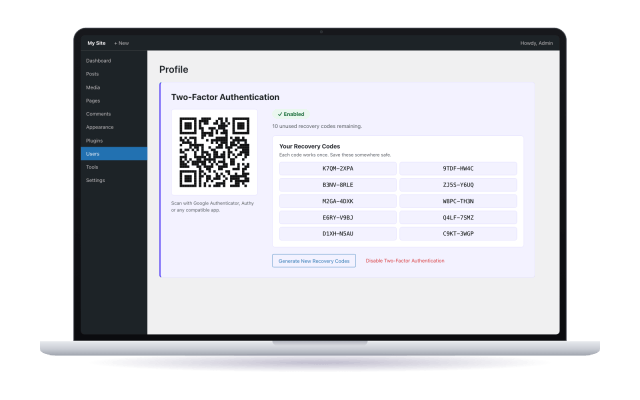
Each user sets up 2FA from their own profile by scanning a QR code with Google Authenticator, Authy or any compatible app. Single-use recovery codes are included, so nobody gets locked out.
Brute-force protection
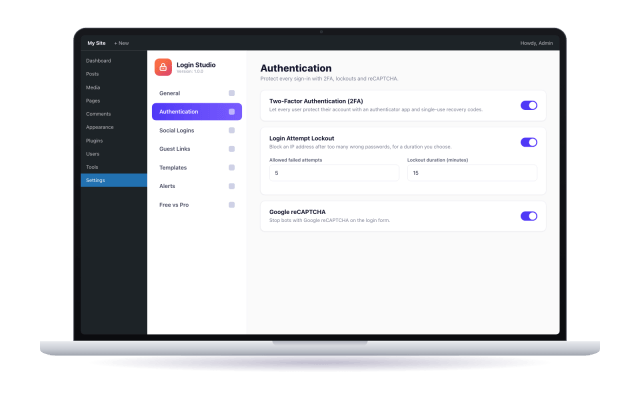
- Login lockout: block an IP address after too many failed attempts, with a limit and duration you set.
- reCAPTCHA: add Google reCAPTCHA to the login form.
- A clear “login temporarily locked” screen with a live countdown for blocked visitors.
Social login
Let visitors sign in with Google or GitHub from buttons that match your chosen template.

Guest access links
Create time-limited, click-limited login links for clients or reviewers, with a role you choose. Links expire automatically and can be deleted at any time. Guest links give passwordless access, so share them only with people you trust.

Email alerts
Get an email for repeated failed logins, logins from a new device, suspicious activity and critical setting changes.
Import and export settings
Back up every setting to a file and restore it on this or another site.
Who is it for?
- Agencies and freelancers: hand over client sites with a branded login page and security already set up.
- Blogs, small business and membership sites: give visitors a login that looks like your brand.
- Anyone tired of the default WordPress login screen or of juggling four login plugins.
Why choose Login Studio Lite?
- Looks great out of the box: every template ships with images and text.
- Secure by design: 2FA, lockouts and reCAPTCHA in one place.
- Lightweight: one plugin, with only the pieces you switch on.
- Easy to manage: AJAX-saved settings and a live preview.
- Free and fully functional: nothing is locked or time-limited.
- Made by Code Work Web.
Privacy and external services
Login Studio Lite connects to outside services only when you turn the matching feature on: Google reCAPTCHA, Google Sign-In, GitHub Sign-In and Google Fonts (fonts are downloaded to your own server by default, so visitors’ browsers don’t contact Google). Details and links are in the plugin’s readme.
Free
- 1.0.1
- Oct 07,2026
- Oct 07,2026
- GPL v3